Dice Toss Simulator
Last Updated:
In 30 Seconds
Dice Toss Simulator is a small JavaScript project that simulates rolling a dice and flipping a coin.
I built it after learning how JavaScript’s random function works. It became one of the first projects where I turned a simple programming concept into something interactive.
Screenshots
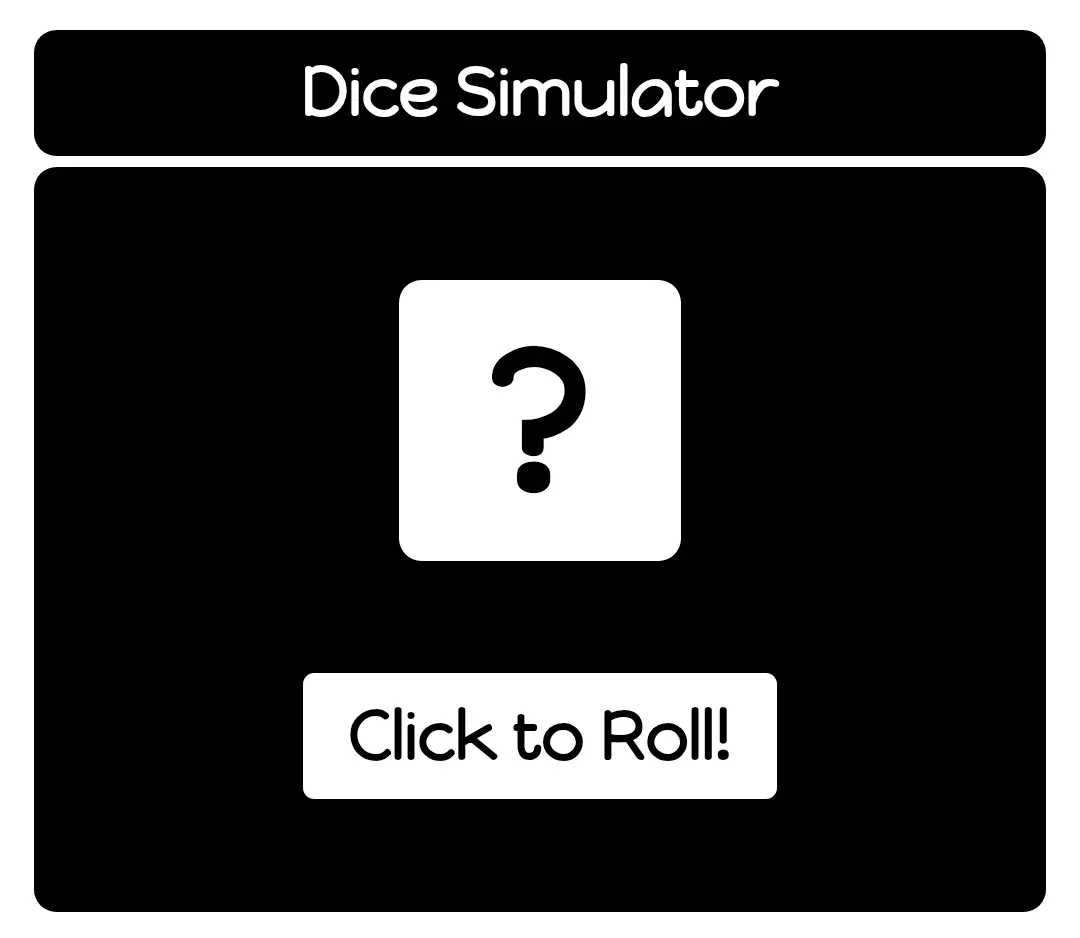
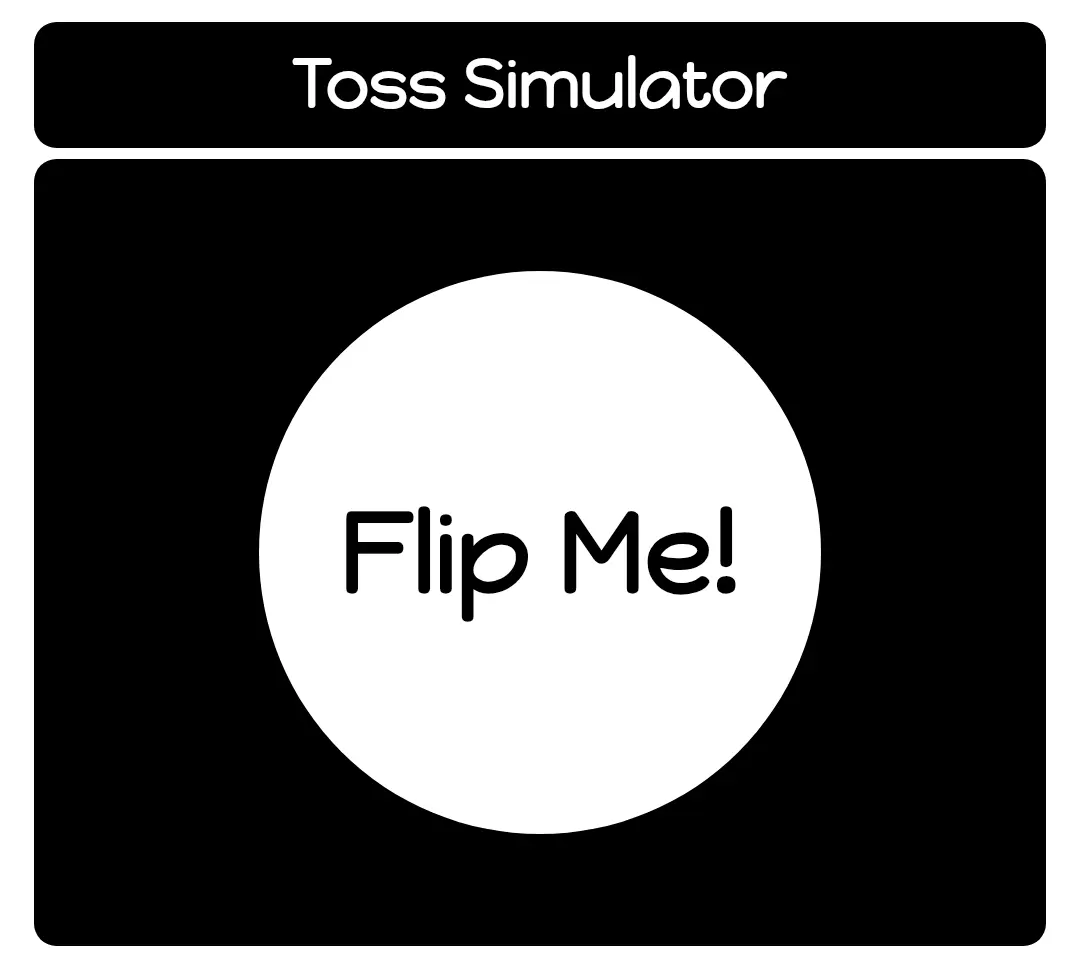
Spark
On a summer afternoon, while eating my lunch, I was scrolling through Instagram Reels.
One reel explained how JavaScript’s Math.random() function works. The creator demonstrated how it could be used to simulate a dice roll.
I thought, “Why not build a small project using this?”
I learned the concept from that reel and built a Dice Simulator. After that, I reused the same idea to build a Coin Toss Simulator as well.
Journey
After building Dittoify, I became addicted to coding. I wanted to keep building small and interesting projects instead of only watching tutorials.
I started with the Dice Simulator because that was the concept I had just learned. I created a square that displays the result and added a button to roll the dice. Every time the button is clicked, JavaScript generates a random number and updates the value instantly.
After finishing the Dice Simulator, I used the same idea to build a Coin Toss Simulator. Instead of displaying numbers, it randomly shows either Heads or Tails whenever the button is clicked.
Both simulators are simple, but they helped me understand how one concept can be applied to build different interactive experiences.